🌅
Wake up to a briefing
Before bed, say: “Look into this, and round up tomorrow's schedule and weather.” By morning, a tidy summary with sources is waiting. Your whole day, clear before your coffee cools.
Muse is your own personal AI agent from Meta. It has its own computer, browses the web itself, builds documents, web pages and small apps, keeps your mail and calendar in order — and remembers you. Not a chatbot to talk at, but a partner you can hand real work to.

Like having a personal assistant — minus the hiring. Here's how it feels:

Before bed, say: “Look into this, and round up tomorrow's schedule and weather.” By morning, a tidy summary with sources is waiting. Your whole day, clear before your coffee cools.
Product comparisons, trip research, first drafts. Give Muse a task and a deadline, and it quietly gets on with it on its own computer. You decide; Muse moves.
A note becomes a document, a document becomes a web page — or a small app that's yours to use. It doesn't stop at suggestions; it builds. That's the difference from ordinary chat AI.
The list of jobs you can hand over is longer than you'd think.
Reads across multiple sites, compares options, and digs back to primary sources when numbers disagree — showing its evidence as it goes.
Documents, slides, web pages, trackers and little tools. Describe what you need; Muse turns it into something real.
Opens websites and works through the tedious steps for you — the groundwork for bookings and sign-ups included.
Connect Gmail and Google Calendar, and Muse helps triage your inbox, summarize threads and line up your schedule.
Plans, preferences and ongoing projects stay in its memory, so the longer you talk, the more it feels like your Muse.
Morning briefings, price watches, gentle reminders. Set it once, and Muse keeps the rhythm for you.
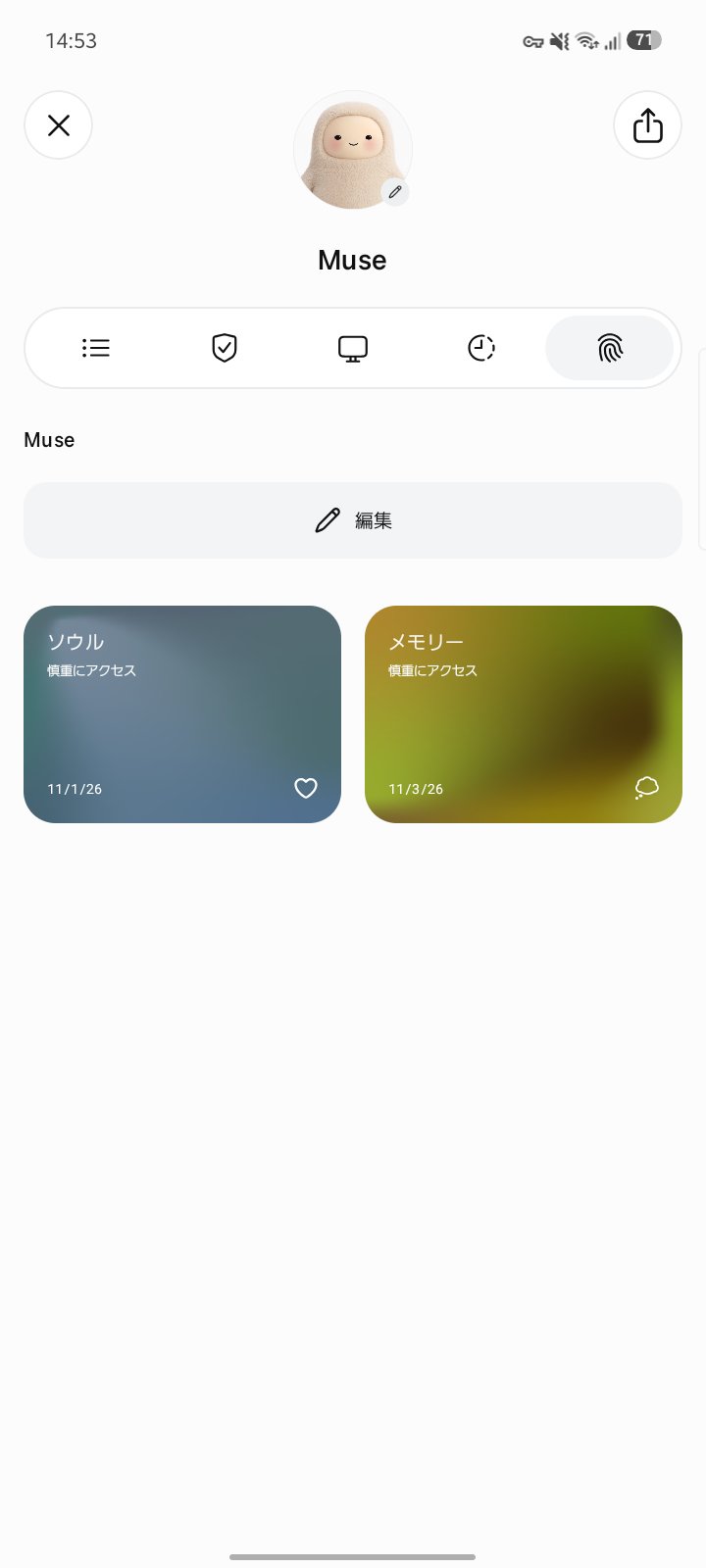
Every user gets their own Muse. With an avatar, a “soul” that shapes how it talks, and a memory that grows with you, it becomes more personal the longer you use it.
Enter the invite code below within 48 hours of signing up, and 1 billion Muse tokens (your usage allowance) land in your account — and the same amount goes to the person who invited you. The bigger the allowance, the more research and building you can ask for without holding back.
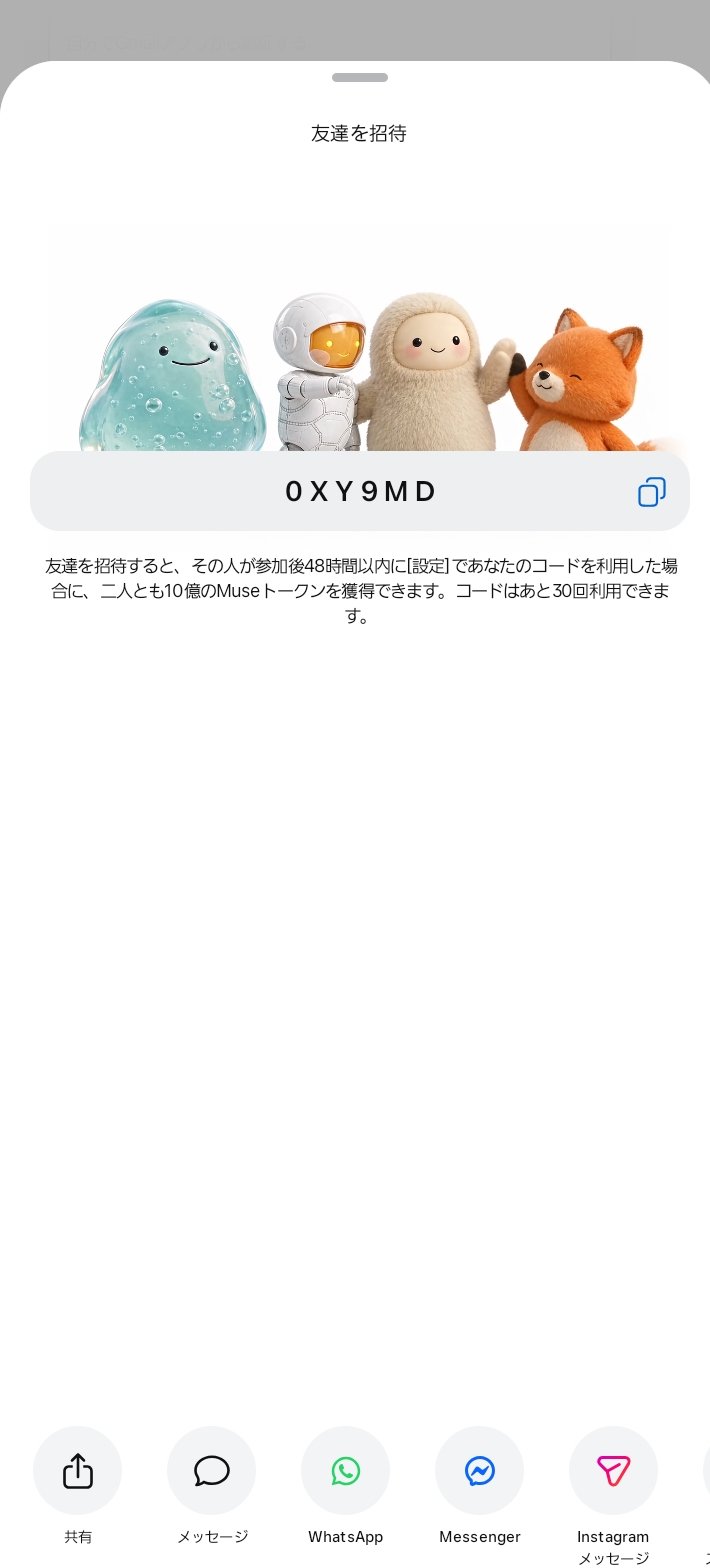
Order matters. The trick is entering the code as part of signing up — not later.
Sign-up takes a couple of minutes. Your own Muse wakes up — with a computer of its own, ready to work.
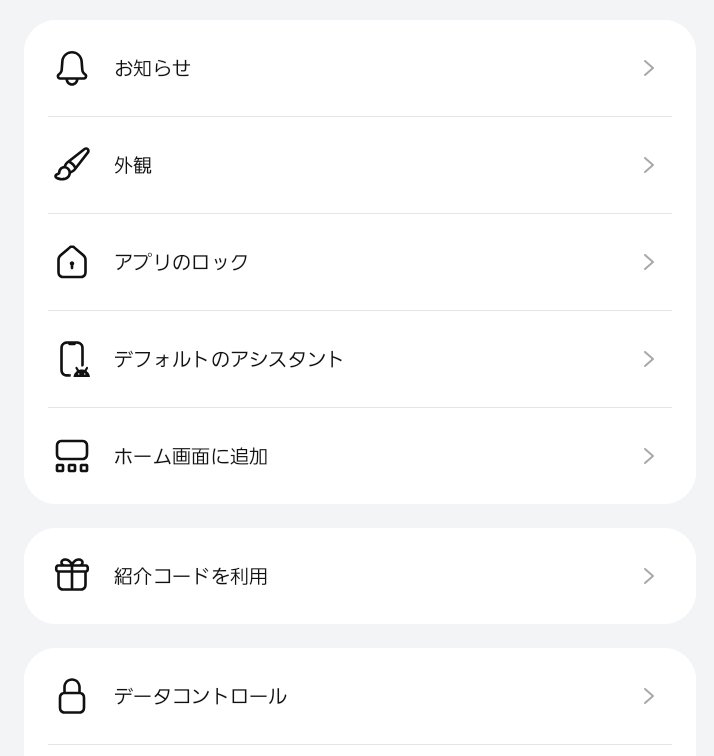
In the app: Settings → Redeem invite code. On the web: Settings → General → Usage → Redeem invite code. Type 0XY9MD. Don't postpone it — the entry disappears after 48 hours.
The bonus stacks on top of the free allowance. All that's left is giving Muse its first job.
The facts: a code can only be entered within 48 hours of joining, once per account; each code has a limited number of uses — 30 for this one. Muse is free to start; paid plans are optional. Available in the US, Canada, Japan and Singapore. The terms shown in the app prevail.